Residence matters
Exness’s country-restrictions article includes Singapore residents. The product summaries below do not establish an exception.
 Exness trading informationRegister / Log in
Exness lists Singapore residents among clients it does not accept. This site explains that restriction alongside the broker’s account types, platforms and trading tools, with separate pages for downloads, login, funding and practice. Product descriptions are general information, not an offer of access in Singapore.
Exness’s country-restrictions article includes Singapore residents. The product summaries below do not establish an exception.
Spread, trading commission and overnight costs answer different questions. Account pages explain the differences.
Where eligible, demo lets you rehearse orders with virtual funds. It does not prove live performance.
Exness
| Account | Pricing model | Main distinction |
|---|---|---|
| Standard | Spread; no trading commission | Market execution |
| Standard Cent | Spread; no trading commission | Cent balance and cent-lot units |
| Pro | Spread; no trading commission | Execution depends on instrument and account setting |
| Raw Spread | Spread plus per-side commission | Instrument-specific trading commission |
| Zero | Qualified zero-spread periods plus commission | Zero spread is not zero total cost |
Use your actual residence. Stop if the service is unavailable for it.
Submit requested information inside the broker’s official process.
Read the account terms and practise the controls before considering funding.
An account’s first-deposit requirement and a payment method’s minimum are separate. The Personal Area supplies method-specific amounts and times; this review does not establish a Singapore payment route.
Open pageA smaller margin does not mean a smaller position. In a hypothetical USD 10,000 exposure, a 1% adverse move is USD 100 before costs, whatever margin was reserved.
Read the risk disclosureNo. A licence applies to the named company and jurisdiction. It does not override the published Singapore residence restriction.
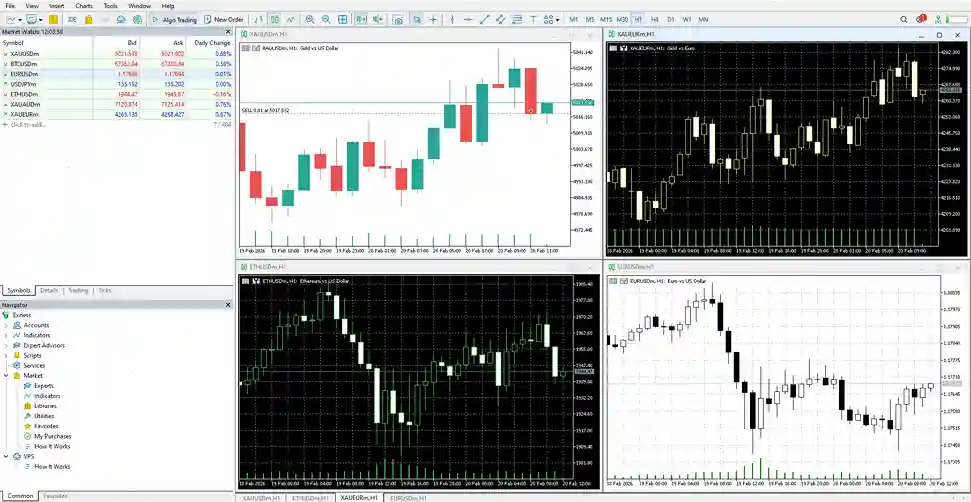
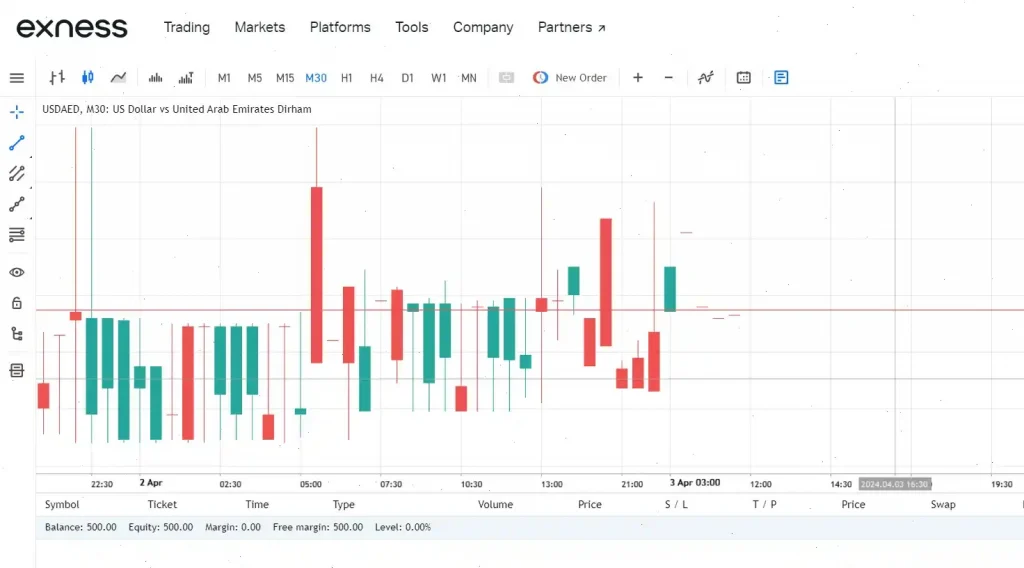
No. They show third-party TradingView market information. Use the quote and contract specification in the trading account for any order calculation.
Yes. The manual tools on this site work with hypothetical inputs and do not connect to Exness or place orders.
Ask Exness support about the registered residence and account status before further trading. Do not choose a different country to bypass a restriction.
Official sources reviewed on 16 September 2026. Account terms can change; examples use hypothetical inputs. This review did not test a live account.
Open the Exness educational trading calculator →
Manual educational examples, not quotes or recommendations. Capital can be lost. Values stay in this browser page.
Your browser local time:
UTC:
Clock only, not market-open status. Verify instrument hours and holiday schedules in the official terminal.
Compare Exness pricing, execution and cent-lot differences, then model trading costs. Published account terms do not establish Singapore eligibility.
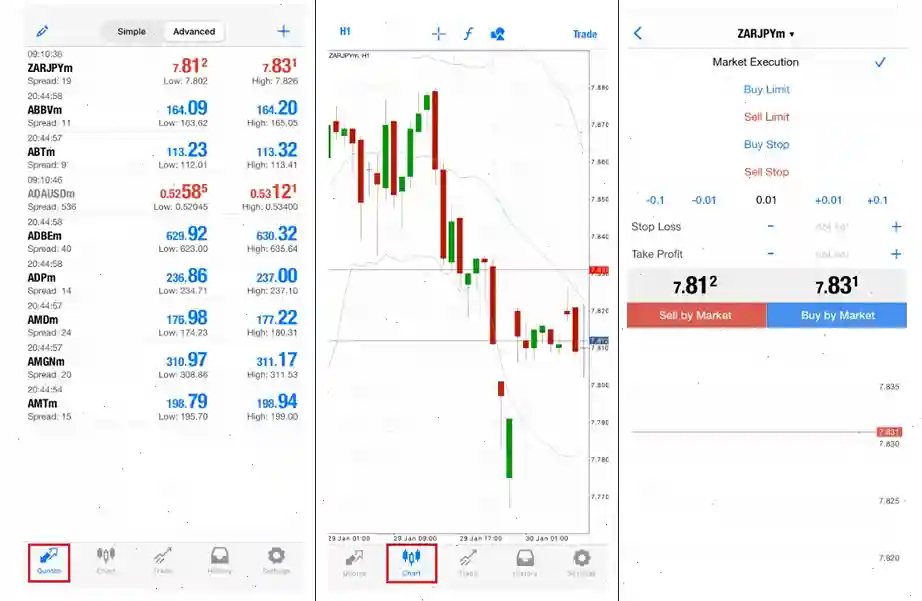
Open pageCompare browser, desktop and mobile platforms by the tasks a beginner needs: reading quotes, placing demo orders, setting stops and finding trade history.
Open pageSee how eligible users create an Exness demo account, set virtual funds and practise orders, plus the differences between demo and live trading.
Open pageChoose an Exness desktop terminal, get the installer through the official broker destination and connect the correct trading account on your PC.
Open pageLooking for an Exness Go download? Identify Exness Trade, follow the official mobile download route and understand MT4 and MT5 account compatibility.
Open pageUnderstand how Exness leverage affects margin, why effective leverage can change and how position size differs from the collateral needed to open a trade.
Open pageUse the correct Exness sign-in, recover a password and fix MT4 or MT5 server errors. Registration information includes the Singapore residence restriction.
Open pageGet MT4 through the official Exness destination, connect an MT4 trading account and use charts, orders and Expert Advisors with the right account details.
Open pageConnect an Exness MT5 account, understand orders versus deals and positions, and compare desktop automation with browser and mobile access.
Open pageSeparate the account’s first-deposit requirement from payment-method minimums and later deposits, without assuming a Singapore funding offer or SGD minimum.
Open pageCompare Exness Terminal with MetaTrader WebTerminal, open the supported browser platform and handle account selection or connection problems.
Open pageFind the withdrawal processing window for an existing Exness account, understand status messages and know what to send support when money has not arrived.
Open pageModel lot size, pip value, margin and estimated trading costs with manual Simple and Pro inputs. See the formulas, conversion assumptions and limitations.
Open pageContinue at Exness
Read the topic pages before continuing. The account link opens Exness, where eligible users manage accounts and existing customers can find support.